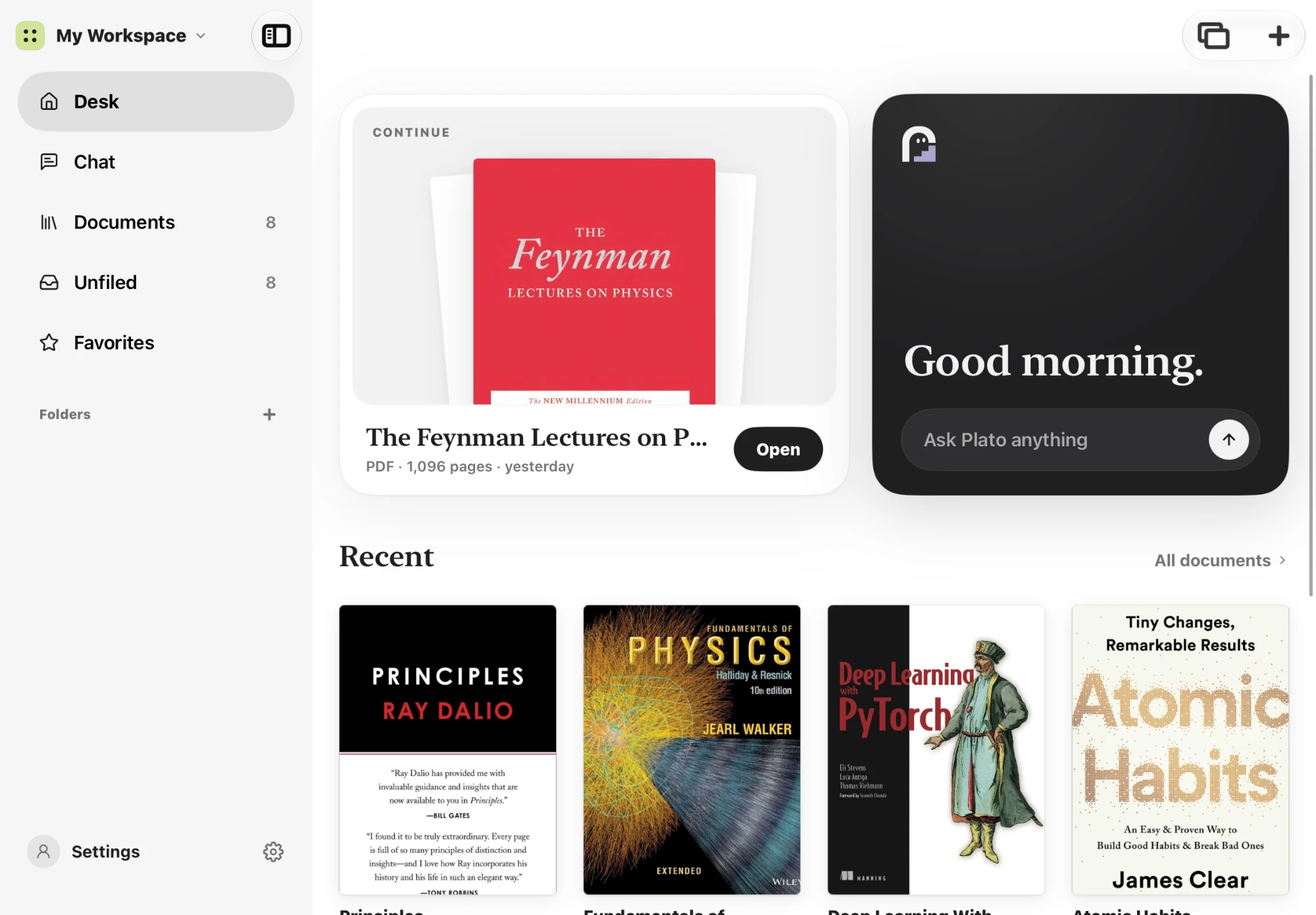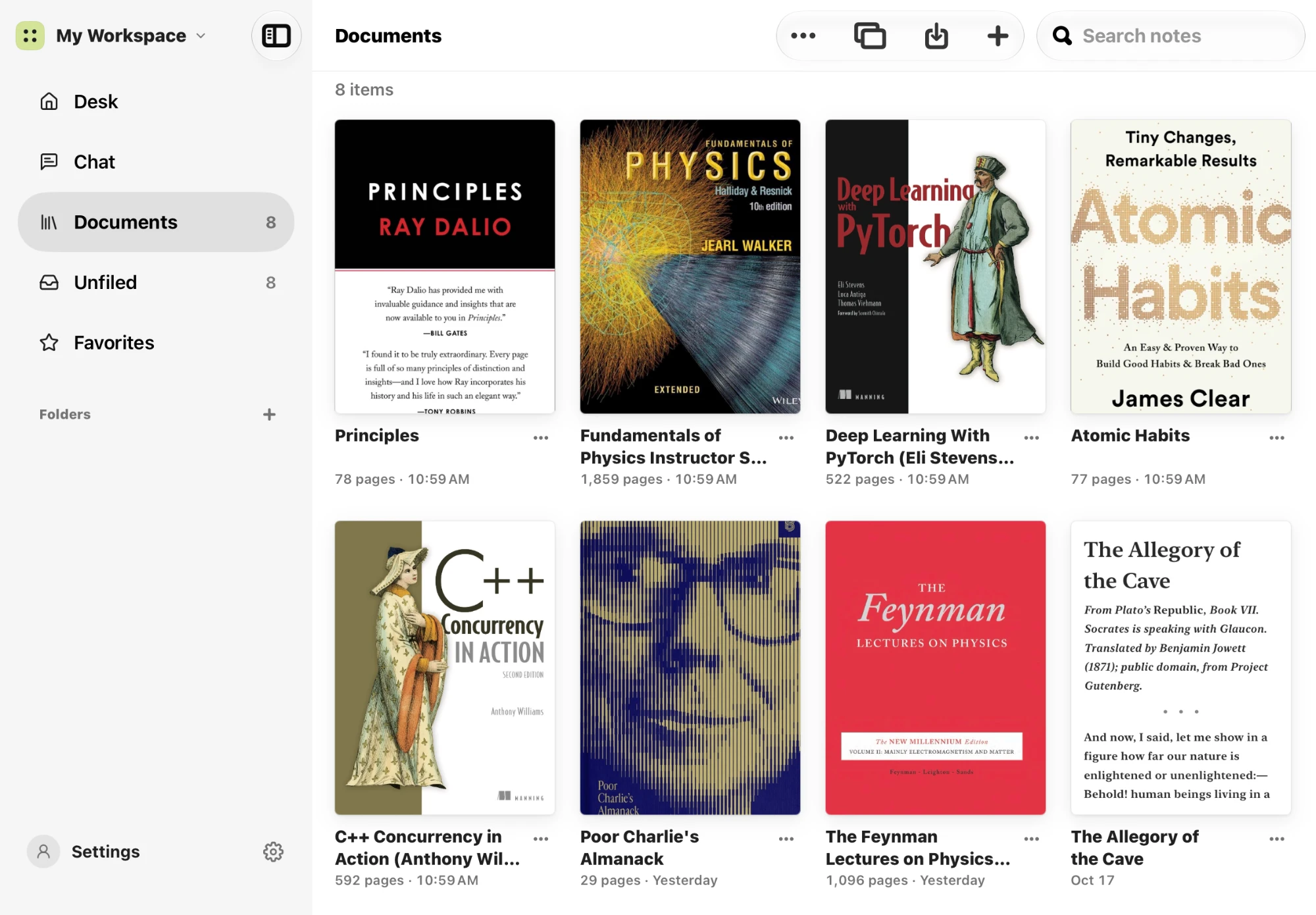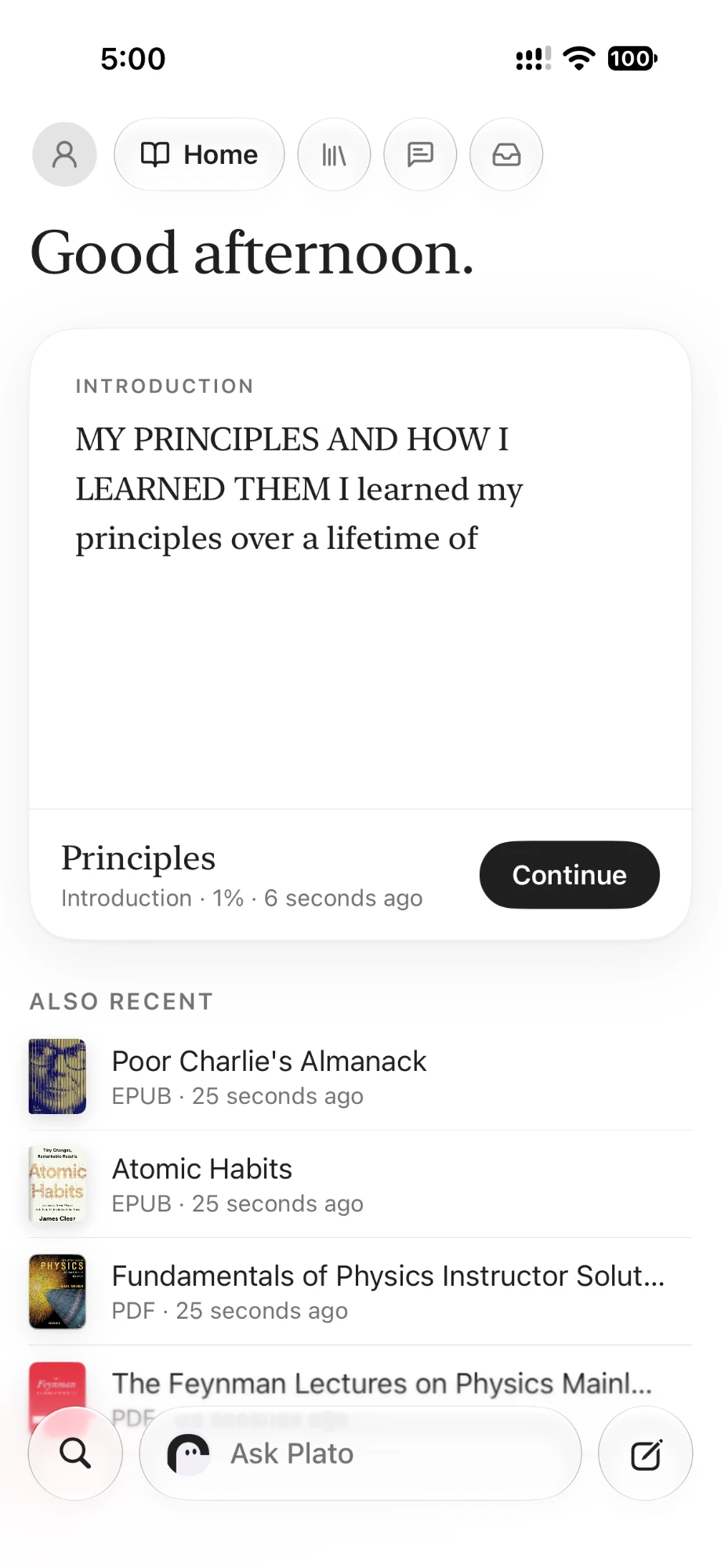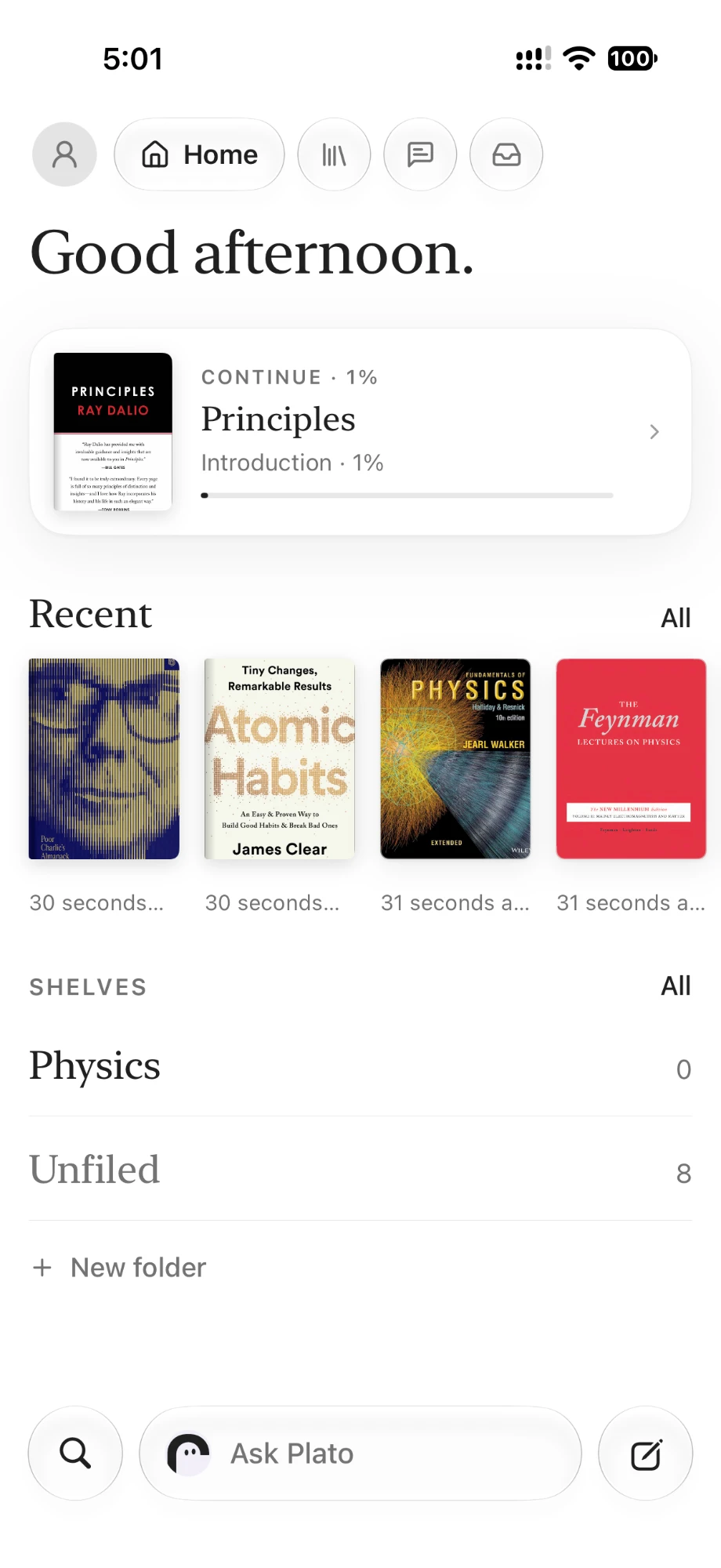

Text stays selectable and searchable
A notebook that grows as you learn.
PlatoLab is a cross-platform notebook for iPhone, iPad and Mac, with an AI agent in the sidebar. It reads the page you're on, opens the browser, draws the math — and remembers how you learn, session after session.
explain the step I just wrote
→ page 12 · text layer + page image
→ 3 handwritten lines detected
→ grounding the answer in page evidence
done
One canvas. Every system, tuned to the others.
Most apps glue a note editor to a chatbot. PlatoLab was built the other way round: the ink engine, the agent, its memory and the math board were designed as one machine.
Built to be written on for hours.
An agent with hands, not a chat box.
It remembers how you learn.
The board opens itself.
A real writing surface first: a vector ink engine, three materials and two erasers that behave the way your hand expects, at any zoom.
- Three materials, all real
- Two erasers that behave differently
- Move what you wrote
PlatoLab's assistant sits in a docked sidebar beside your page — on iPhone, iPad and Mac. It opens the browser, reads the page you're on, runs code and draws the math, showing every step inline so you can stop at any time.
- Lecture → notes
- Paper → plain words
- Data → report
PlatoLab keeps a memory across sessions. It notices the notation you reach for, the steps you skip and the places you get stuck — and starts the next session already knowing you.
- Across sessions, not just pages
- It learns your patterns
- It knows what you're studying
The math board is part of the agent, not a separate tool. When a function or a transform comes up, the agent opens the board and draws it for you — you keep reading, it keeps plotting.
- Curves, polar and parametric plots
- Animated 2×2 linear transforms
- Rotatable 3D surfaces
Everything you already study with, opened properly.
PlatoLab doesn't ask you to convert your life. Drag in a file and it lands in your library as a real, editable page — not a screenshot of one.
EPUB
Reflowed chapters with a real reader
Images
PNG, JPEG, HEIC with EXIF rotation
PlatoLab
Editable single-file notebook
Typst
Source editing with live typesetting
Markdown
Source, preview or what-you-see-is-what-you-get
An agent with hands, not a chat box.
PlatoLab's assistant sits in a docked sidebar beside your page — on iPhone, iPad and Mac. It opens the browser, reads the page you're on, runs code and draws the math, showing every step inline so you can stop at any time.
The step you wrote substitutes dS = δQ/T into the inequality and drops the reversible term…
It opens the browser and reads with you.
Ask about anything you're watching or reading and PlatoLab opens it in a real browser. On a video page it pulls the subtitle track, so it can summarise a YouTube or Bilibili lecture with timestamps — then write the summary straight into a Markdown document in your library.
- → opening youtube.com/watch?v=…
- → caption track found (json3)
- → 1,284 cues · 42 min
- ✓ summary written to report.md
It sees the page you're on.
PlatoLab composes paper, imported media and your handwriting into one snapshot, so the agent can follow a derivation you wrote by hand. Scanned pages and images work too.
- → page 12 · text layer + page image
- → 3 handwritten lines detected
- → grounding the answer in page evidence
- ✓ explaining the substitution step
It works in files, not just chat.
The agent has a Shell and a real Python interpreter bound to a sandboxed workspace. It can parse a CSV, write a report to a file, and then create a notebook in your library with that file already inside it.
- → /library/unfiled mounted read-write
- → csv → summary in /outputs/report.txt
- → note new "Report"
- ✓ notebook created in your library
It opens the math board for you.
You don't draw the graph — the agent does. When geometry or functions come up, it calls the math board itself: plots the curve, animates a 2×2 transform, or renders a rotatable 3D surface, right beside your notes.
- → parsed 2×2 rotation matrix
- → polar-decomposition interpolation
- → unit square + basis vectors shown
- ✓ board opened beside the page
Lecture → notes
Summarise a two-hour lecture from its captions and file the result as a Markdown notebook.
Paper → plain words
Read a dense PDF beside you and explain the part you circled, grounded in the page itself.
Data → report
Parse a CSV, run the numbers in Python and write a notebook with the findings inside it.
Formula → picture
Turn a formula you're stuck on into a plot or an animated transform on the board.
The agent never edits or deletes your existing ink. New notebooks are created explicitly, and deleting a notebook always asks for confirmation.
Reading is where the notes come from.
PlatoLab reads your documents as documents. Text stays text, chapters stay chapters, and every page is one tap away from becoming a question.
PDF that behaves like paper
Write over it with any material, select the underlying text word by word, and export a PDF where your pen stays vector and the original is still searchable.
EPUB, reflowed your way
A real reader with chapters, table of contents, type size, line height and themes. Highlights are anchored to chapter and character range, so they never drift.
Select, translate, ask
Long-press any passage to copy it, translate it, or send it straight to the agent as the start of a conversation — with the source attached.
Outlines that build themselves
PlatoLab reads the printed table of contents, verifies every entry against real body text, and builds a navigable outline for PDFs that shipped without bookmarks.
Imported pages keep their own identity. A PlatoLab page number and a source PDF page number are tracked separately, so inserting a blank page never breaks your citations.
It remembers how you learn.
PlatoLab keeps a memory across sessions. It notices the notation you reach for, the steps you skip and the places you get stuck — and starts the next session already knowing you.
Across sessions, not just pages
Close the app, come back next week, and the agent still knows where you stopped and what you were working towards.
It learns your patterns
The way you take notes, the order you like to see a proof, the examples that finally made it click — PlatoLab keeps them.
It knows what you're studying
Your library becomes context. Ask about integrals in week six and the agent remembers the limits you struggled with in week one.
Yours to inspect and clear
Memory is stored on your device. You can read what the agent has learned about you, and clear it at any time.
Memory is what turns a notebook into a tutor. It is why PlatoLab gets more useful the longer you use it.
Your notes stay on your device.
PlatoLab is local-first. Your notebooks live on your device, and the AI service only ever sees the pages you choose to send.
Notes live on the device
Every notebook is stored locally on your device. Your library opens and works on a plane, with no connection at all.
Never trained on your content
Your notes are not used to train models. What you write is yours, and we do not sell or share it.
Sync on your terms
Sign-in and sync arrive with the hosted AI subscription. Local-first stays the default, and your notes stay yours to export.
PlatoLab is becoming a subscription service for the hosted AI features. The notebook stays local-first, and you stay in control of what leaves the device.
Frequently asked
The things people want to know before they trust an app with their notes.
A cross-platform notebook — iPhone, iPad and Mac — with an AI agent in the sidebar that reads the page you're on, opens the browser, runs code, draws the math and remembers how you learn.
iPhone, iPad and Mac. It is designed around Apple Pencil on iPad, and works with trackpad, mouse and keyboard on Mac.
PlatoLab keeps a memory across sessions: your notation, your habits and the things you found hard. It is stored on your device, and you can inspect or clear it at any time.
Yes. Ask about a YouTube or Bilibili video and the agent opens it, reads the subtitle track and writes a timestamped summary into a Markdown document in your library.
It cannot modify or delete existing ink. It can create new notebooks and folders, and every change is recorded with a recovery path. Deleting a notebook always asks for confirmation.
Not to write. Sign-in and sync arrive with the hosted AI subscription, which is how the agent service is funded. The notebook itself works without an account.
Only if you attach the page image to a request. PlatoLab composes the current page — paper, imported content and ink — into a snapshot, and you can turn page images off.
The notebook does. Writing, reading, importing and exporting are fully local. Only the AI agent needs a connection, because it talks to the hosted service.
Grow something worth keeping.
PlatoLab is in active development for iPhone, iPad and Mac. Join the waitlist and we'll send you the build as soon as it's ready.
Accounts are not open yet · By continuing you agree to the Privacy Policy and Terms of Service.